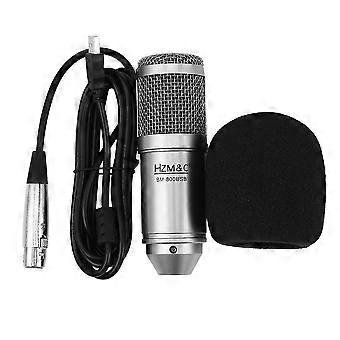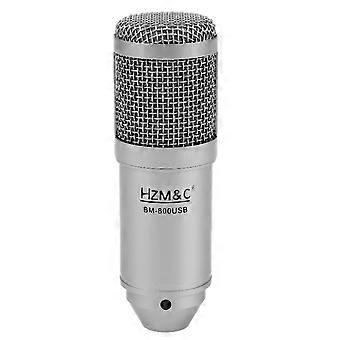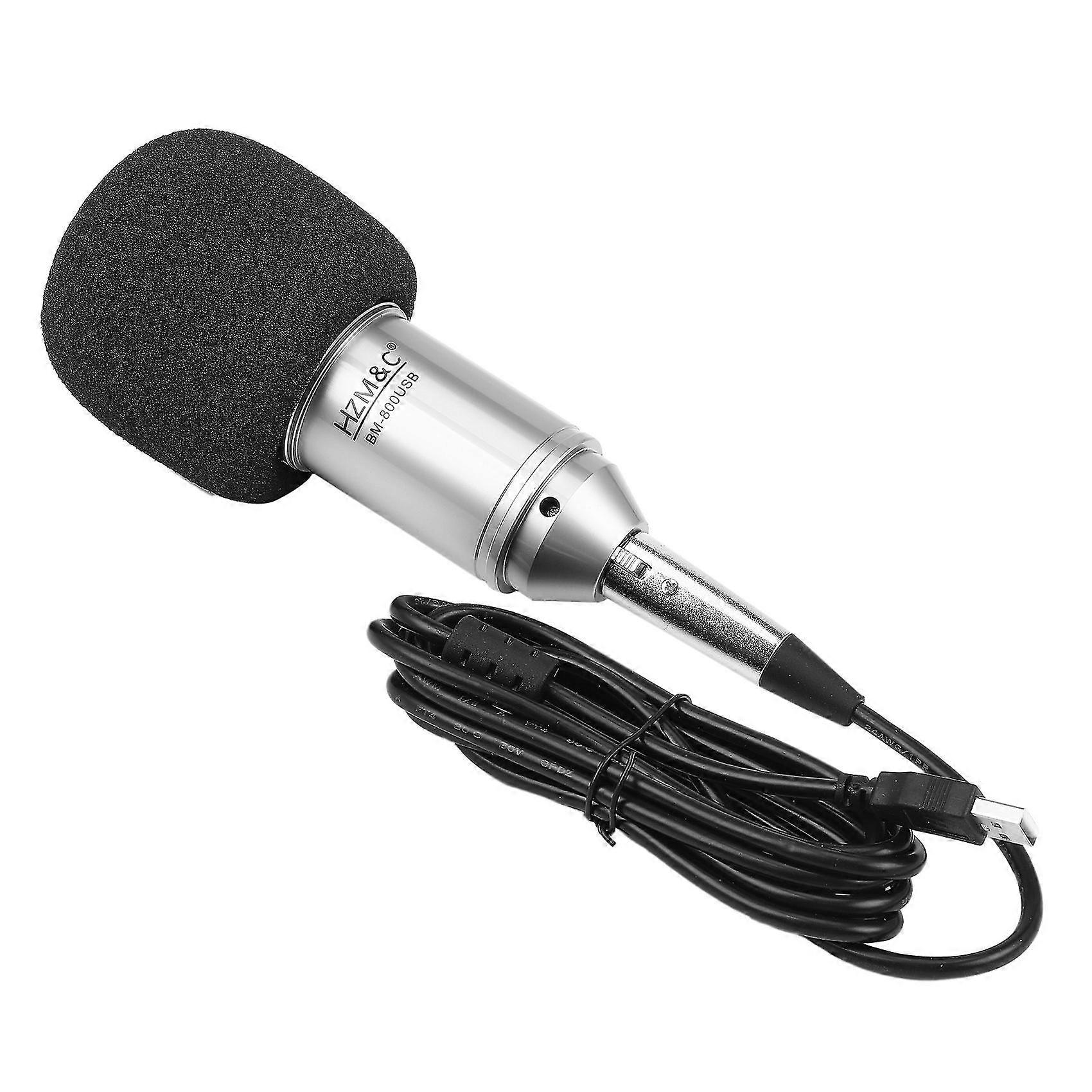
Upgraded Bm 800 Usb Condenser Microphone Studio Mic For Computer Recording Karaoke Pc (silver)

17,95 €
+ 10,49 € Doručenie

Upgraded Bm 800 Usb Condenser Microphone Studio Mic For Computer Recording Karaoke Pc (silver)

  • Značka: Unbranded
Predáva:

Upgraded Bm 800 Usb Condenser Microphone Studio Mic For Computer Recording Karaoke Pc (silver)

  • Značka: Unbranded

17,95 €

Na sklade
+ 10,49 € Doručenie
Predáva:

17,95 €

Na sklade
+ 10,49 € Doručenie

Akceptujeme nasledovné platobné metódy

Popis

Upgraded Bm 800 Usb Condenser Microphone Studio Mic For Computer Recording Karaoke Pc (silver)

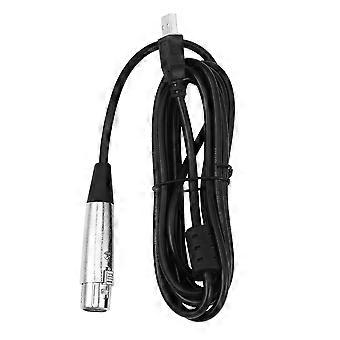
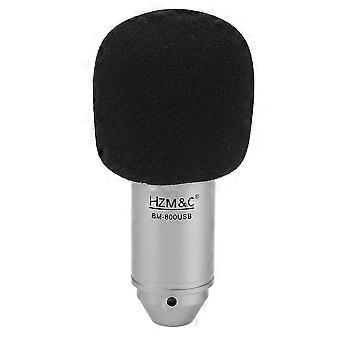
Plug and play, plug directly into your devices with USB port, no needed drivers.With the USB terminal to supply power, the condenser microphone needs no 48V phantom power, battery, or other assistive devices.Cardioid pick-up pattern minimizes background noise and isolates the main .2m long leather cord extends your music space freely and meets your need of all aspects of enjoyment.Wide frequency response (30Hz-20kHz) makes vocal performances sound clear, natural and vibrant. How to setting it?Plug the USB cable to your computer at the same time. Ready for use.If the microphone cannot be used to your device, please check if your device has set itself correctly with the microphone. If not, please follow to setting it. Step 1: Open your control panel, and click on "sound", a window up.: Select the recording, you will see the microphone is set up or on default.Step 3: Double click the microphone if it is already connected., and then setting yourmicrophone properties. 1.Unplug the USB cable to check whether the pins at the bottom of the mic are loosened.2.Restart computer and re-plug the mic to other USB port.3.If the "USB PnP Audio Device" appears in the sound settings of computer( are the methods how to get to sound settings), the mic is to work.(Windows: Right click speaker on right corner of computer"Recording Device": Click "System Preferences""Sound""Input") If the mic disconnects itself without warning, what can I do?Answer: There are two reasons for this situation. One is that the poor connection. The other is that the USB cable is broken. If you have tried to replug the USB cable into the mic, and plug the mic to other USB port, then it will be the problem of the cable. If the mic has hissing what can I do? 1.Re-plug the USB cable into the microphone. If the cable gets loose, noiseis easily generated or transmission of signal may run into problem. 2.Reset computer and re-plug microphone into other USB port. 3.Place it not too close to any power source or computer host. Check whether there's smart-phone near by the USB cable. 4.Set the on-body control of mic and input/output level of computer at 50%-75%. Volume is the culprit for noise. (Windows: Right click speaker on right corner of computer"Recording Device"/"Playback Device"right click "USB PnP Device"/default speaker"Properties""Levels". If there's ""Microphone Boost"", turn it to 0-10dB. : "System Preferences""Sound""Input"/"Output""Input Volume"/"Output Volume") 5.(If using Windows computer,) disable all sound effects. (Right click speaker on right corner of computer"Playback Device"right click the default loudspeaker"Enhancements"click "Disable all sound effects".) Hope these methods could help eliminate noise and make the mic sound better. Colour:silver Material:Zinc alloy + plastic Size:14.5*4.8cm Package Contents: 1* microphone 1* USB cable 1* foam cover 1* manual Only the above package content, other products are not included. Note: Light and different displays may cause the color of the item in the picture a little different from the real thing. The measurement allowed error is +/- 1-3cm.
  • Fruugo ID: 318318415-707667921
  • EAN: 9776388714228

Informácie o bezpečnosti produktu

Prečítajte si informácie o bezpečnosti produktu špecifické pre tento produkt uvedené nižšie

Nasledujúce informácie poskytuje nezávislý maloobchodný predajca tretej strany, ktorý predáva tento produkt.

Bezpečnostné štítky produktu

CE Mark
Bezpečnostné upozornenia:
  • Keep Away from Heat: Do not expose to open flames, sparks, or high temperatures
  • Avoid Direct Sunlight: Store in a cool, dry place
  • Handle Carefully: Do not puncture, crush, or disassemble.
  • Follow Storage Guidelines: Adhere to recommended temperature and storage conditions

Dodanie a vrátenie

Odoslané do 24 hodín

  • STANDARD: 10,49 € - Doručenie medzi ut 16 decembra 2025–ut 23 decembra 2025

Doručenie od Čína.

Snažíme sa, aby sme výrobky, ktoré si objednáte, doručili celkom v súlade s vašou špecifikáciou. Ak by ste však dostali neúplnú objednávku alebo iný tovar ako ten, ktorý ste si objednali, alebo existuje nejaký iný dôvod, prečo nie ste s objednávkou spokojní, môžete objednávku alebo niektoré produkty z nej vrátiť a za tovar dostať plnú náhradu. Pozrite si všetky pravidlá vrátenia

Podrobnosti o zhode produktu

Pozrite si informácie o súlade špecifické pre tento produkt uvedené nižšie.

Nasledujúce informácie poskytuje nezávislý maloobchodný predajca tretej strany, ktorý predáva tento produkt.

Výrobca:
Nižšie sa nachádzajú kontaktné informácie výrobcu príslušného produktu, ktorý sa predáva na Fruugo.

  • Haikou Shi Pai Guanlin Shangmao Youxian Gongsi
  • Haikou Shi Pai Guanlin Shangmao Youxian Gongsi
  • Room 606, No. 49 Binhai New Village, Binhai Street, Longhua District
  • Haikou
  • CN
  • 570100
  • hk271223@163.com
  • 13033300774
  • https://www.fruugo.co.uk/haikou-paiguanlin-trading/m-22705

Zodpovedná osoba v EÚ:
Nižšie sa nachádzajú kontaktné informácie zodpovednej osoby v EÚ. Zodpovedná osoba je určený hospodársky subjekt so sídlom v EÚ, zodpovedný za dodržiavanie povinností súvisiacich s príslušným produktom, ktorý sa predáva na území Európskej únie.

  • E-CrossStu GmbH
  • E-CrossStu GmbH
  • Mainzer Landstr.69, 60329 Frankfurt am Main
  • Frankfurt am Main
  • DE
  • 60329
  • E-crossStu@web.de
  • 69332967674
  • https://www.dnb.com/business-directory/company-profiles.e-crossstu_gmbh.1c9aad5dc9bd55eb05eb6c8a6249315d.html