Popis
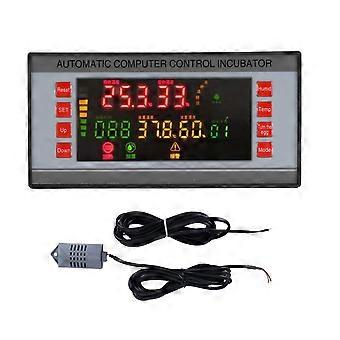
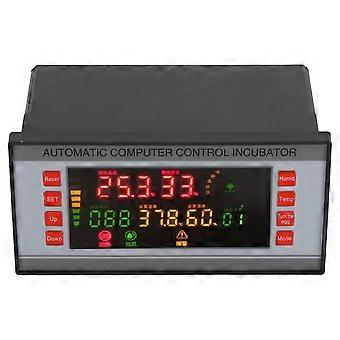
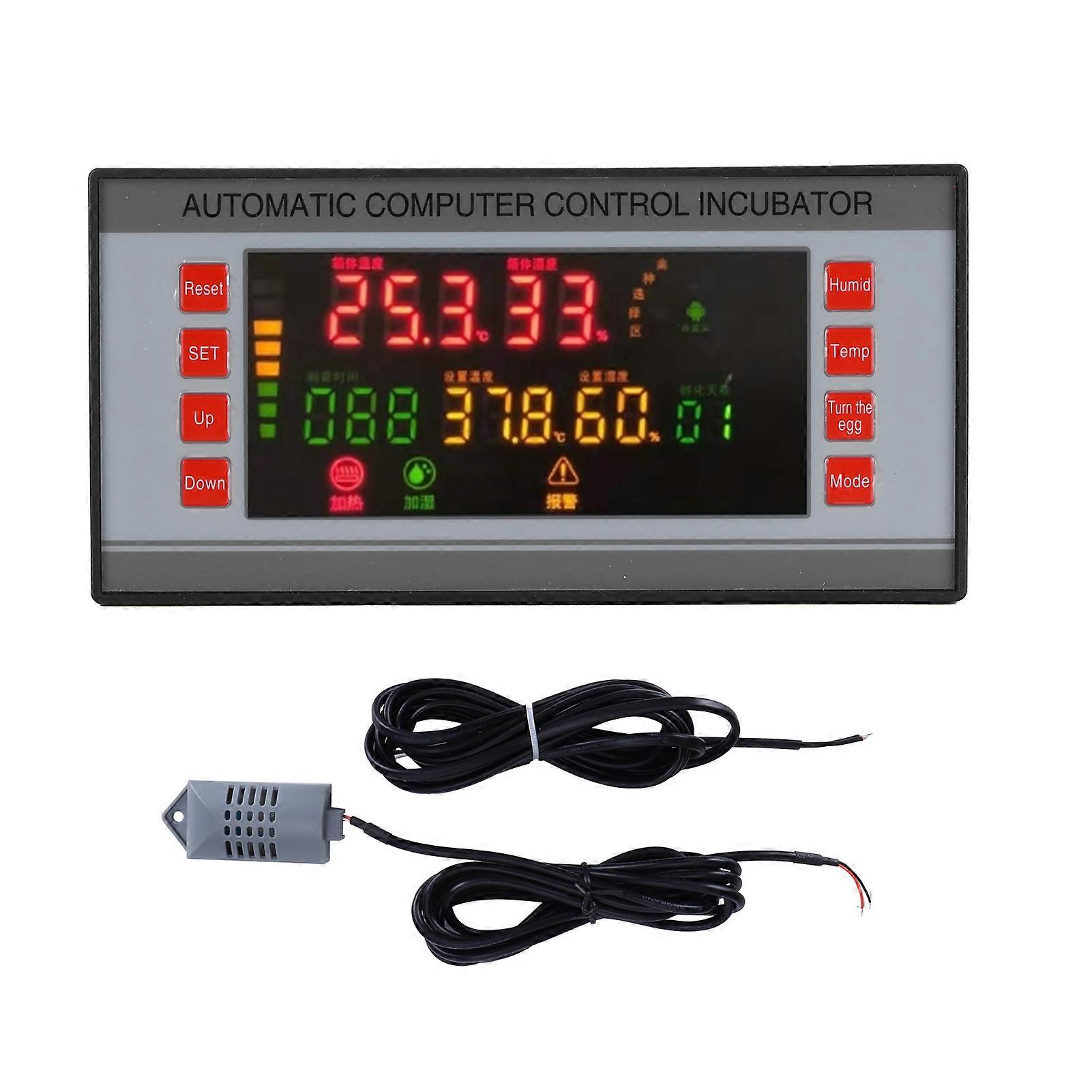
WiFi Incubator Temperature Humidity Controller Automatic Multifunction Incubator Controller 220V
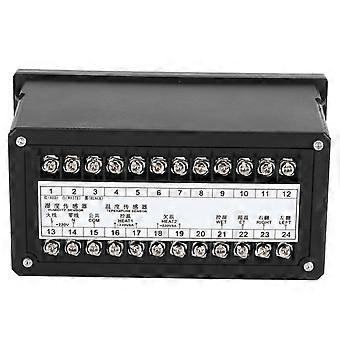
Item Type: Incubator ControllerMaterial: PlasticColor: As shown in the pictureTemperature Measurement Range: 0~99Temperature Measurement Accuracy: 0.1Humidity Measurement Range: 0~99%RHHumidity Control Accuracy: 3%RHNumber of Control Output Signal Channels: 7 (over temperature, temperature control, under temperature, left egg, right egg, humidity control, alarm)Control Output Maximum Load Current: Temperature control, under temperature 8A/AC220V, over temperature, left egg, right egg, humidity control, alarm 1A/AC220VTurning Eggs: Up to 999 timesEgg-Turning Cycle: 0-999 minutes adjustable(factory value is 90 minutes)Egg Turning Time: 0~999 seconds adjustable (factory value 180 seconds)Breathing Cycle: 0-999 minutes adjustable (factory value 120 minutes)Ventilation Time: 0~999 seconds adjustable (factory value is 30 seconds)Temperature and Humidity Measuring Line Length: About 2m/6.6ftWeight: Approx.750g/26.5ozWorking Conditions:Working Voltage: AC 160V~220V, 50HzRelative Humidity: Less than 85%RHEnvironment Temperature: -10~60This machine can be divided into two incubation methods: total batch egg placement (variable temperature) and partial batch egg placement (constant temperature).Variable temperature incubation setting (ie whole batch spawning, laying of young)After turning on the machine, wait for the temperature and humidity to display normally, and then enter the egg species selection (the machine is divided into six types: chicken, duck, goose, pigeons, pheasant, and customized constant temperature incubation). To do this, press and hold the "Mode" button and don't let go (let go after about 5 seconds). At this time, the indicator light of the chicken is on-entering the hatching mode. If you are incubating other eggs, press and hold the "Mode" button again and don't let go (about 5 seconds after the eggs hatch). They are divided into five categories: duck, goose, pigeons, pheasant, and customized constant temperature incubation. Taking into account the differences in local climates and the particularity of hatching eggs, experienced hatching technicians should try their best to use constant temperature mode during incubation to cultivate temperature and humidity,The temperature, humidity and egg turning parameters set by the constant temperature incubation mode (batch laying) under "custom" conditions do not change with the incubation time.1. Temperature settingFor example, the incubation temperature is between 37.7C and 37.8C. Press the "Temperature" button, the LED display temperature setting yellow window starts to flash; the temperature setting in the yellow window displays the three-digit original factory temperature setting. If you need to change, please press "increase" or "decrease" to adjust so that the digital display upper limit of the temperature range you want, 37.8. Press the "Temperature" button to save the temperature setting. If the temperature is not saved for a long time after adjusting the temperature, the system will automatically save it for you.2. Humidity settingFor example, incubation requires humidity between 55-60%RH. Press the "Humidity" button. The yellow window of humidity setting on the LED display starts to flash. The yellow window of the humidity setting di shows two digits for the original factory humidity setting value. If you need to change, please press the "increase" or "decrease" button to adjust so that the upper limit of the humidifier is displayed digitally. You need a Y value range of 60%RH. Press the "Humidity" button to save the humidity setting. If the humidity is not stored for a long time after adjusting the humidity, the system will automatically save it for you.3. Interval parameter settingsUnder normal working conditions, press the "Set" button once, and the system will enter the interval parameter setting (the interval parameter has been set before the system leaves the factory, and non-professionals cannot operate it). The display shows different parameters in each mode. Press the Add/Subtract button to adjust the required parameters, and then click the SET button to switch to the SWITCH parameter code.WIFI connection method1. First, scan the QR code of the manual or download and install the application "Tuya Smart" in the application store. The phone is connected to a stable WiFi, and the WiFi password is known. (This professional WiFi connection pipe is only suitable for 2.4G WiFi network)2. Open the software, register and log in. The mobile phone displays the main page of the software, click the "+" in the upper right corner to enter Add, and select the export (WiFi). Enter the Wi Fi password connected to the mobile phone, reset the device according to the prompts, and click the next step (1) Power again after 10 seconds of power failure, Long press the re setting button "Add" for 5 seconds, the indicator light starts to flash, and the indicator flash is WiFi Fast connection, slow indicator light flash is compatible mode, select the connectio
-
Fruugo ID:
316723583-704755468
-
EAN:
9780561267432