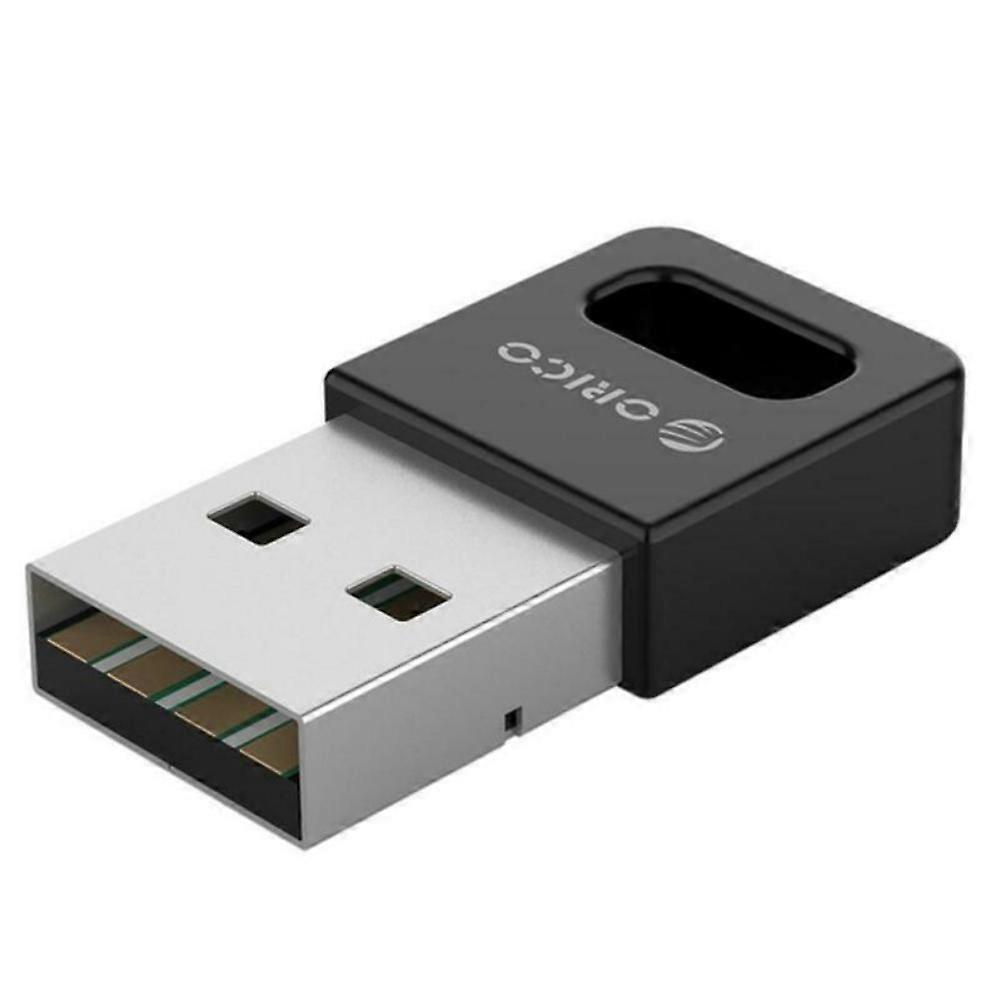
Wireless Bluetooth Adapter USB PC External Receiver for Bluetooth Speaker, Keyboard, Mouse, Game Controller

17,95 €
doručenie ZADARMO

Wireless Bluetooth Adapter USB PC External Receiver for Bluetooth Speaker, Keyboard, Mouse, Game Controller

  • Značka: Unbranded
Predáva:

Wireless Bluetooth Adapter USB PC External Receiver for Bluetooth Speaker, Keyboard, Mouse, Game Controller

  • Značka: Unbranded

17,95 €

Ušetrite 11,00 € (37%)

RRP

28,95 €
Na sklade
doručenie ZADARMO

Politika vrátenia 14 dní

Predáva:

17,95 €

Ušetrite 11,00 € (37%)

RRP

28,95 €
Na sklade
doručenie ZADARMO

Politika vrátenia 14 dní

Spôsoby platby:

Popis

Wireless Bluetooth Adapter USB PC External Receiver for Bluetooth Speaker, Keyboard, Mouse, Game Controller

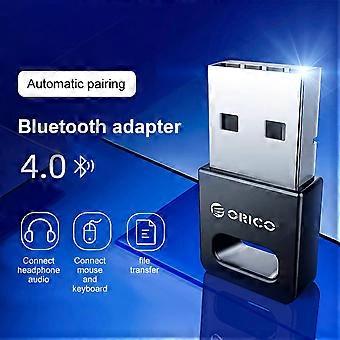
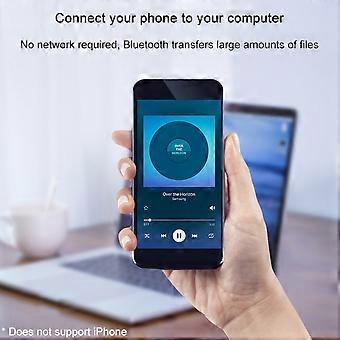
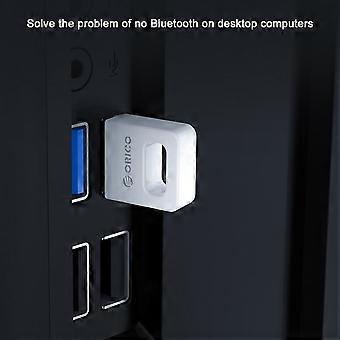
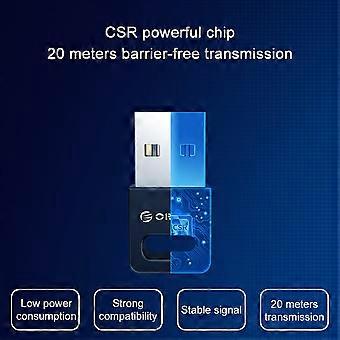
Description: Color: Black Interface: USB TYPE-A interface Product material: ABS material Chip: CSR8510 chip specification: Bluetooth 4.0 specifications Transmission rate: 3Mbps Transmission distance: ≤ 20m (more accessible transmission effect within 10m) User Guide: 1. Insert the Bluetooth adapter into the computer's USB interface, and download the driver on the Orico official website, decompression, run Setup.exe for installation. 2. The installation process will the window prompt selection, open the search mode, SCMS-T is enabled, the type is selected according to the computer type, then click Next until it is completed. If the installation process 360 and other related management programs are prompted to write to the registry, please select Allow. 3. After driving the installation, double-click the computer (my computer) to open my Bluetooth device, select Add Device - All, double-click the searchable Bluetooth headset device, automatically start pairing, if you have prompted "Bluetooth Password", general 0000 (Some passwords depending on the Bluetooth headset will be different, some are 8888, or 1234, etc., can view the manual of the device). 4. For the first time, you need to enter the Orico Bluetooth headset into the pairing mode. General Bluetooth headphones enter the pairing mode: In the shutdown state, press the boot button to do not let go, press the indicator light of the 5 seconds or so, if it is red, the state is released, this is to enter the search mode (some headphones Entering the pairing mode is to hold the volume + and volume on the Bluetooth headset. For details, please refer to the Orico Headphone Manual), the computer can search this Bluetooth headset. 5. After connecting to the headset, it will generally automatically switch to the Bluetooth output. If the system does not automatically switch to Bluetooth audio output, go to the lower right corner sound icon right-play device, and set the Bluetooth headset to default output (under XP system) to start-control panel-sound and audio-audio settings). (The player sound that has been opened under the XP system will not switch to Bluetooth immediately, you need to exit the player, and turn it on to the Bluetooth output.). To implement a call function, set the default input to Bluetooth in recording (recording). Package Included: 1 x Desktop Notebook Bluetooth Receiver With enhanced drive, do not install the drive/tablet can only transfer files, install the full drive computer to connect to the Bluetooth headset listening to songs. Solve a desktop computer without Bluetooth issues, ordinary desktop computer generally does not have Bluetooth functionality. Computer connection wireless mouse and mouse response is sensitive and no delay, the office is freer. Mobile phone connection computer, no network, Bluetooth transfer a lot of files. Bluetooth automatic compatibility, WIN8 / WIN10 system is automatically compatible with Bluetooth 4.1 / 4.2 / 5.0, Win8 and above, etc.
  • Fruugo ID: 436089158-914279837
  • EAN: 9778424774234

Informácie o bezpečnosti produktu

Prečítajte si informácie o bezpečnosti produktu špecifické pre tento produkt uvedené nižšie

Nasledujúce informácie poskytuje nezávislý maloobchodný predajca tretej strany, ktorý predáva tento produkt.

Bezpečnostné upozornenia: Warning to keep away from water to prevent electric shocks.
Ingrediencie: Other

Dodanie a vrátenie

Odoslané do 3 dní

  • STANDARD: Zadarmo - Doručenie medzi po 12 januára 2026–st 21 januára 2026 - Zadarmo

Doručenie od Čína.

Snažíme sa, aby sme výrobky, ktoré si objednáte, doručili celkom v súlade s vašou špecifikáciou. Ak by ste však dostali neúplnú objednávku alebo iný tovar ako ten, ktorý ste si objednali, alebo existuje nejaký iný dôvod, prečo nie ste s objednávkou spokojní, môžete objednávku alebo niektoré produkty z nej vrátiť a za tovar dostať plnú náhradu. Pozrite si všetky pravidlá vrátenia

Podrobnosti o zhode produktu

Pozrite si informácie o súlade špecifické pre tento produkt uvedené nižšie.

Nasledujúce informácie poskytuje nezávislý maloobchodný predajca tretej strany, ktorý predáva tento produkt.

Výrobca:
Nižšie sa nachádzajú kontaktné informácie výrobcu príslušného produktu, ktorý sa predáva na Fruugo.

  • Yang Yue
  • Lixian Penghui Trading Co., Ltd.
  • Group 5,Renhe Village
  • Changde City
  • CN
  • 415500
  • susuruanruan@outlook.com
  • +1(319)277-0024

Zodpovedná osoba v EÚ:
Nižšie sa nachádzajú kontaktné informácie zodpovednej osoby v EÚ. Zodpovedná osoba je určený hospodársky subjekt so sídlom v EÚ, zodpovedný za dodržiavanie povinností súvisiacich s príslušným produktom, ktorý sa predáva na území Európskej únie.

  • eVatmaster Consulting GmbH
  • eVatmaster Consulting GmbH
  • Raiffeisen Street2 B1l
  • Rodgau
  • DE
  • 63110
  • contact@evatmaster.com
  • +49 61062699873